Introduction: Points Are Not Insight
Open your Skool member list. Sort by points. Your top member has 3,200 points. Your newest has 0. What does that tell you?
Almost nothing useful for day-to-day decisions.
You can't see:
- Who was active last week vs. who's been silent for 12 days
- Who's a beginner that needs hand-holding vs. who's advanced and ready to mentor
- Who replied to your check-in DM vs. who ignored it
- Who's trending down (active last month, quiet this month)
- Who expressed interest in your premium offer
If you're searching:
- track skool members
- skool member tracking beyond leaderboard
- skool member notes
- community member health score
You need a system that tracks behavior, context, and trajectory. Not just accumulated points.
1. What the Leaderboard Can't Tell You
The Skool leaderboard is a gamification tool, not a management tool. Here are its blind spots:
- Points accumulate forever. A member with 1,500 points who hasn't posted in 3 months still looks "active" on the leaderboard. Points don't decay.
- No recency signal. You can't tell if someone earned their points last week or 6 months ago.
- No context. Why is this member here? What's their goal? Did they reply to your DM? The leaderboard doesn't know.
- No negative signals. There's no "going quiet" indicator. Members disappear without any visible warning on the leaderboard.
- Everyone looks the same. Beginners, advanced members, free trial users, paying customers, people about to cancel. All flat names in a list.
The leaderboard tells you who has participated the most in total. It doesn't tell you who needs your attention right now. For that, you need three additional layers.
2. Tags: Categorize Members by Behavior and Segment
Tags are labels you attach to members. They can be applied manually or automatically based on behavior.
Activity tags (auto-applied):
- active: posted or commented in the last 7 days
- quiet: no activity for 7-14 days
- at-risk: no activity for 14+ days
- new: joined in the last 7 days
These should update automatically. When a "quiet" member posts, the "quiet" tag is removed and "active" is added. No manual work.
Segment tags (based on identity or level):
- beginner / intermediate / advanced: based on self-report or classroom progress
- free / paid / vip: based on tier
- niche tags: "fitness," "business," "creator" (based on goals)
Intent tags (based on actions):
- interested-in-upgrade: clicked offer link or mentioned premium
- completed-onboarding: finished intro sequence
- ambassador: highly active, helps others consistently
- gave-feedback: replied to feedback request
With these tags, your member list becomes filterable. "Show me all at-risk members who are on the paid tier." One click. Now you know exactly who needs a personal DM this week.
Deeper dive: How to auto-tag members based on behavior
3. Notes: Remember Context About Each Member
Tags tell you what category a member is in. Notes tell you why, and what you've already done.
What to put in notes:
- "Replied to welcome DM, says she's focused on launching a course this quarter"
- "Went quiet for 2 weeks. Sent check-in DM on March 12. Said he's traveling."
- "Interested in premium. Wants to see case studies before deciding."
- "Asked about refund policy. Seems on the fence. Follow up next week."
- "Ambassador candidate. Replied to 8 other members this month."
Why notes matter:
Without notes, every interaction starts from zero. You DM a member, they tell you something important, and two weeks later you've forgotten. Notes give you continuity. When you open a member's profile, you see the full story without relying on memory.
Best practice: add a note every time you have a meaningful interaction with a member (DM reply, personal feedback, anything they tell you about their situation). Takes 10 seconds. Saves you from asking the same question twice.
4. Health Scores: Track Trajectory, Not Just Activity
A health score is a 0-100 number that represents how engaged a member is right now, based on their recent behavior relative to their own baseline.
What a health score considers:
- Posting frequency (this week vs. their average)
- Comment frequency (same comparison)
- Days since last activity
- DM responsiveness (do they reply when messaged?)
- Classroom progress (if applicable)
- Tenure (newer members are weighted differently than veterans)
How to read health scores:
- 80-100: highly engaged, no action needed
- 60-79: normal engagement, healthy
- 40-59: declining, worth monitoring
- 20-39: at risk, intervention recommended
- 0-19: likely churning, personal outreach or accept loss
A member who slips into this range isn't just a number — see what each cancellation actually costs before you decide whether to fight for them.
Why health scores are better than "last active" dates:
A "last active 3 days ago" member could be perfectly healthy (they post every 4-5 days normally) or deeply at risk (they used to post daily and have suddenly slowed down). Health scores capture the trajectory, not just the snapshot.
A member whose health score dropped from 85 to 45 in two weeks is a clear intervention target, even if their "last active" was only 5 days ago.
5. How Tags, Notes, and Health Scores Work Together
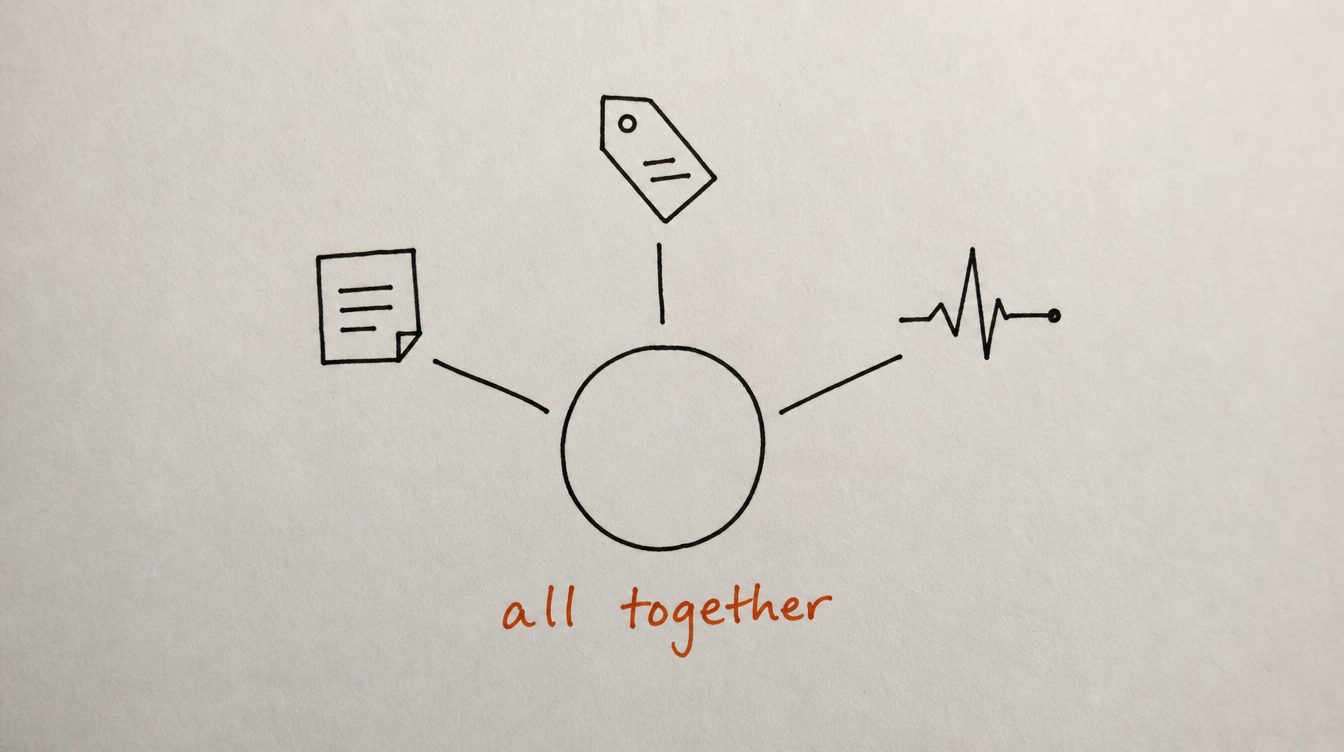
Individually, each layer is useful. Together, they create a complete picture of every member:
Example member profile:
Name: Sarah K.
Tags: [paid] [intermediate] [quiet] [interested-in-upgrade]
Health Score: 42/100 (declining)
Last Active: 9 days ago
Notes:
- Mar 1: Joined. Replied to welcome DM. Goal: scale coaching biz.
- Mar 8: Completed Module 3. Very engaged first week.
- Mar 15: Went quiet after Module 4. No classroom progress.
- Mar 22: Sent check-in DM. No reply yet.
From this single view, you know exactly what's happening and what to do next. You don't need to check her Skool profile, scroll her activity, or remember your last interaction. It's all here.
The action you'd take: personal DM referencing Module 4 ("Hey Sarah, noticed you stopped at Module 4. Was something unclear? Happy to clarify.") Because you know the context, your outreach is relevant, not generic.
6. Real Examples: Using This System Day-to-Day
Monday morning routine (5 minutes):
- Filter member list: tag = "at-risk" + health score under 40
- Result: 4 members flagged
- Check notes for each one. 2 already received automated re-engagement DMs. 1 replied saying "just busy." 1 has no response.
- Action: personal DM to the 1 who didn't respond. Skip the rest.
After a live event:
- Filter: tag = "new" + joined in last 14 days
- Result: 8 new members
- Check: which ones have posted? (tags show "active" vs. "quiet")
- Action: add note to engaged new members ("Great first week, ambassador potential"). Send nudge to quiet ones.
End of month review:
- Filter: tag = "interested-in-upgrade"
- Result: 12 members
- Check notes: which ones expressed interest recently vs. months ago?
- Action: send targeted DM to the 5 most recent with a relevant case study.
7. How to Set This Up With StickyHive
I built StickyHive's member tracking because I was managing 300 members with nothing but a leaderboard and a messy Google Sheet. The CRM view replaced all of that.
Here's what you get:
- Tags: create custom tags, apply manually or set up auto-tagging workflows (activity level updates in real time)
- Notes: timestamped notes on every member profile, visible alongside DM history and activity data
- Health scores: auto-calculated 0-100 scores based on behavior patterns, updated continuously
- Filters: filter your member list by any combination of tags, health score range, join date, activity date, or custom criteria
- Bulk actions: select a filtered segment and tag them all, start a DM sequence for all, or export the list
- Workflow triggers: "health score drops below X" or "tag added" can start automated actions (DMs, alerts, sequences)
The leaderboard still exists in Skool for gamification. But for actual management decisions, you use the CRM.
Start Free 14-Day Trial (no card required) →
8. Frequently Asked Questions
Does Skool have any built-in member tracking beyond the leaderboard?
No. Skool shows member name, profile, points, and level. There's no tagging, no notes, no health scores, no activity timeline, and no way to filter members by behavior. Everything beyond the leaderboard requires an external tool.
How many tags is too many?
Start with 8-12 tags across 3 categories (activity, segment, intent). If you have more than 20, you'll spend more time managing tags than using them. Keep it simple. Every tag should have a clear action associated with it.
How often do health scores update?
In StickyHive, health scores update continuously based on new activity data. You don't need to manually refresh anything. The score always reflects the member's current state.
Can I see a member's full DM history alongside their notes?
Yes. The member profile view shows notes, tags, health score, activity timeline, and DM conversation history all in one place. No switching between screens.
Is this overkill for a small community (under 50 members)?
Under 50, you can probably track most of this in your head or a simple spreadsheet. The system becomes essential at 75-100+ members, where you can no longer remember everyone's situation. But even small communities benefit from auto-tagging (it takes zero effort once set up).
9. Conclusion and Next Steps
The leaderboard is a game. Member tracking is a management system. You need both, but don't confuse one for the other. Points tell members how they rank. Tags, notes, and health scores tell you who needs what.
Your next steps:
- Set up 4 auto-tags: active, quiet, at-risk, new
- Start adding notes after every meaningful member interaction
- Enable health scores so you can spot declining engagement early
- Create a Monday routine: filter by "at-risk," check notes, take action on 2-3 members
- Stop relying on the leaderboard for management decisions
Related reading: